 ProductImage prompt
 Creative recipe
Minimal product showcase
A clean ecommerce image prompt with intentional composition and controlled reflections.
Suggested: Nano Banana 2Product
A useful image prompt describes the intended subject and composition before adding style. These image prompt examples specify framing, lighting, color, material detail, text constraints, and the final use so the result is easier to review and refine.
Use the image prompt formula to order concrete choices and remove adjectives that do not change what the viewer can see.
Cards show the visual direction and an original summary. Open a detail page to read, copy, and inspect the complete prompt.
ProductImage promptA clean ecommerce image prompt with intentional composition and controlled reflections.
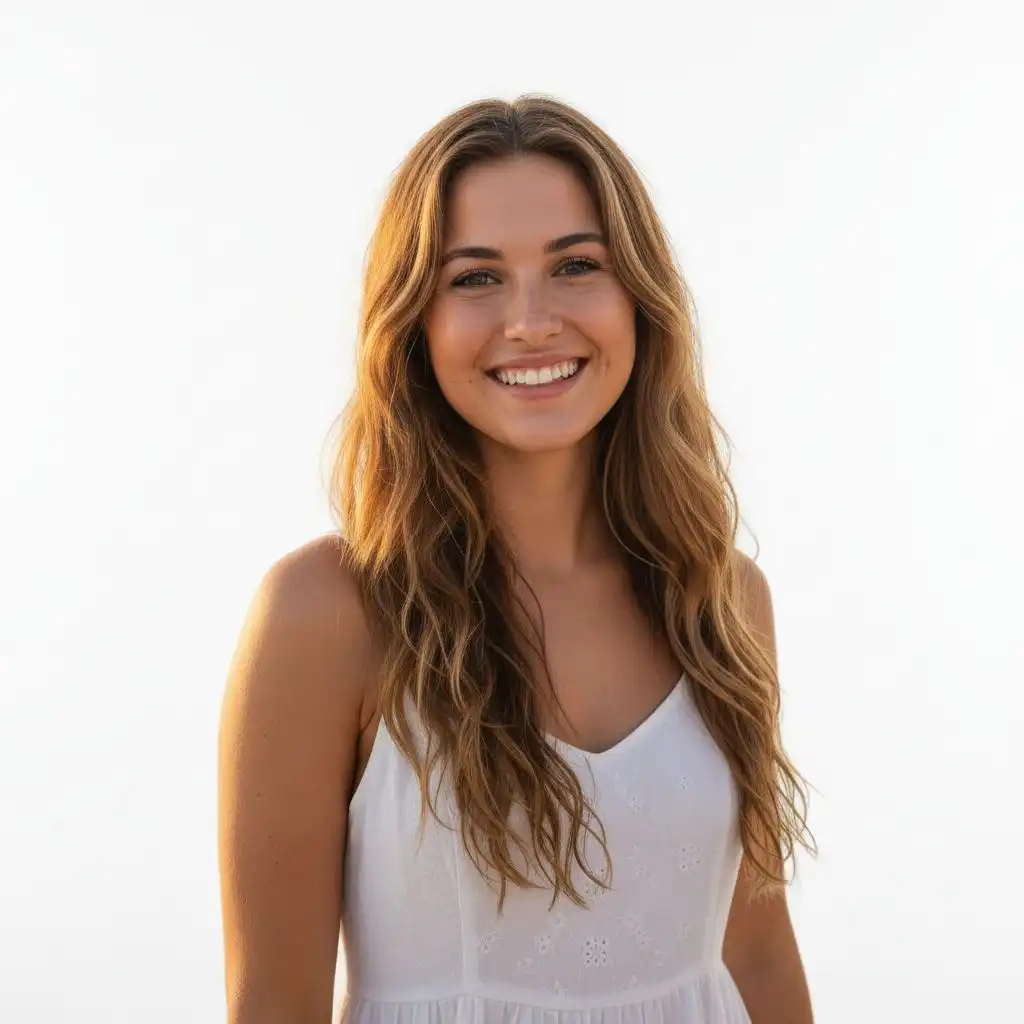 PortraitImage prompt
A portrait prompt with specific lens language, pose, light, and editorial finish.
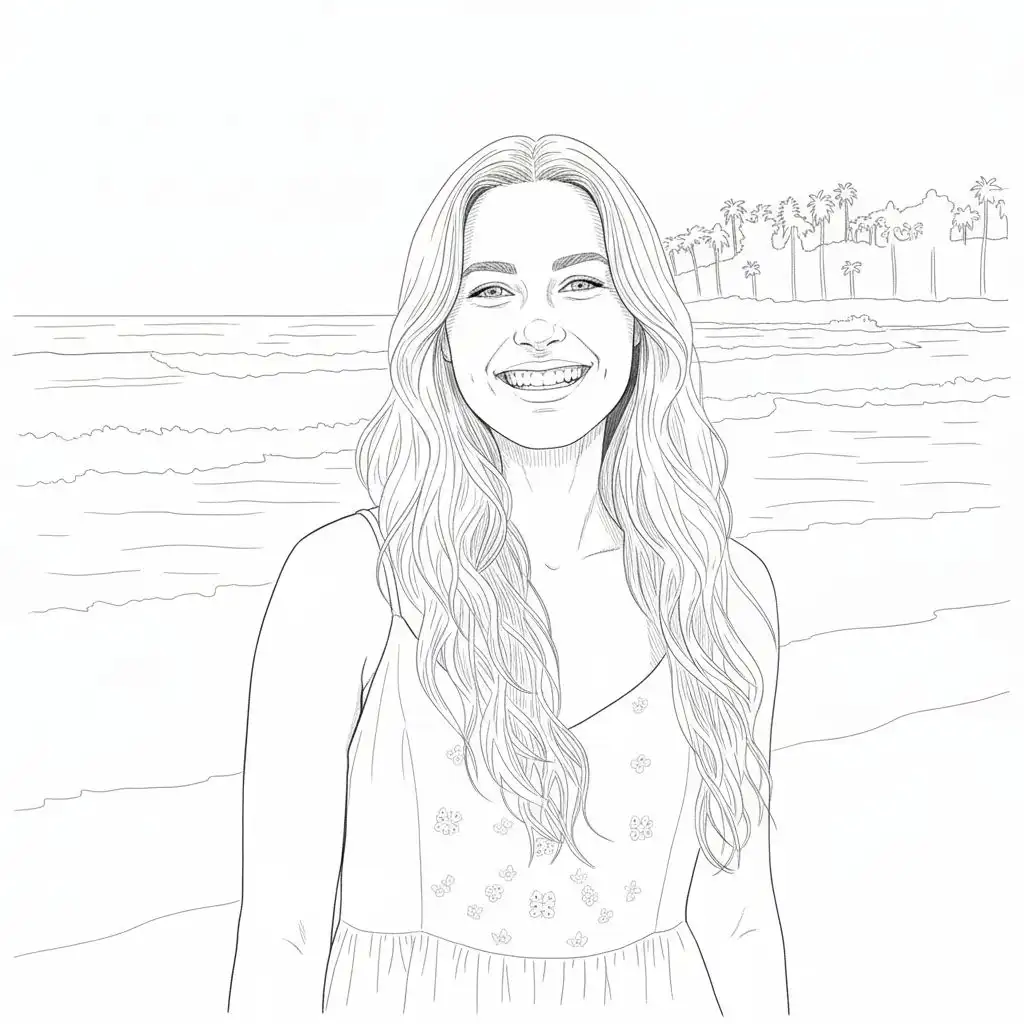 PosterImage prompt
A graphic prompt that treats typography, hierarchy, and layout as first-class constraints.
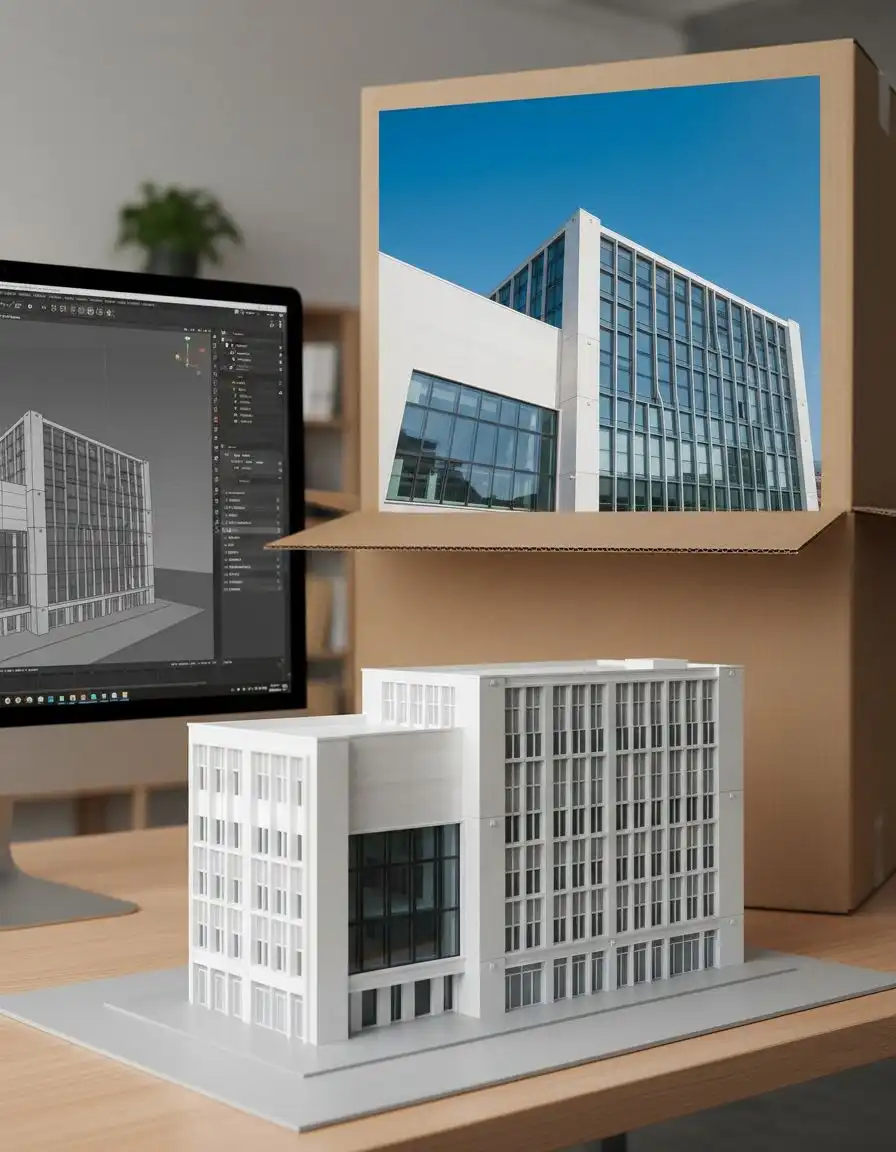 ArchitectureImage prompt
An architectural visualization prompt with material, time-of-day, and camera position.
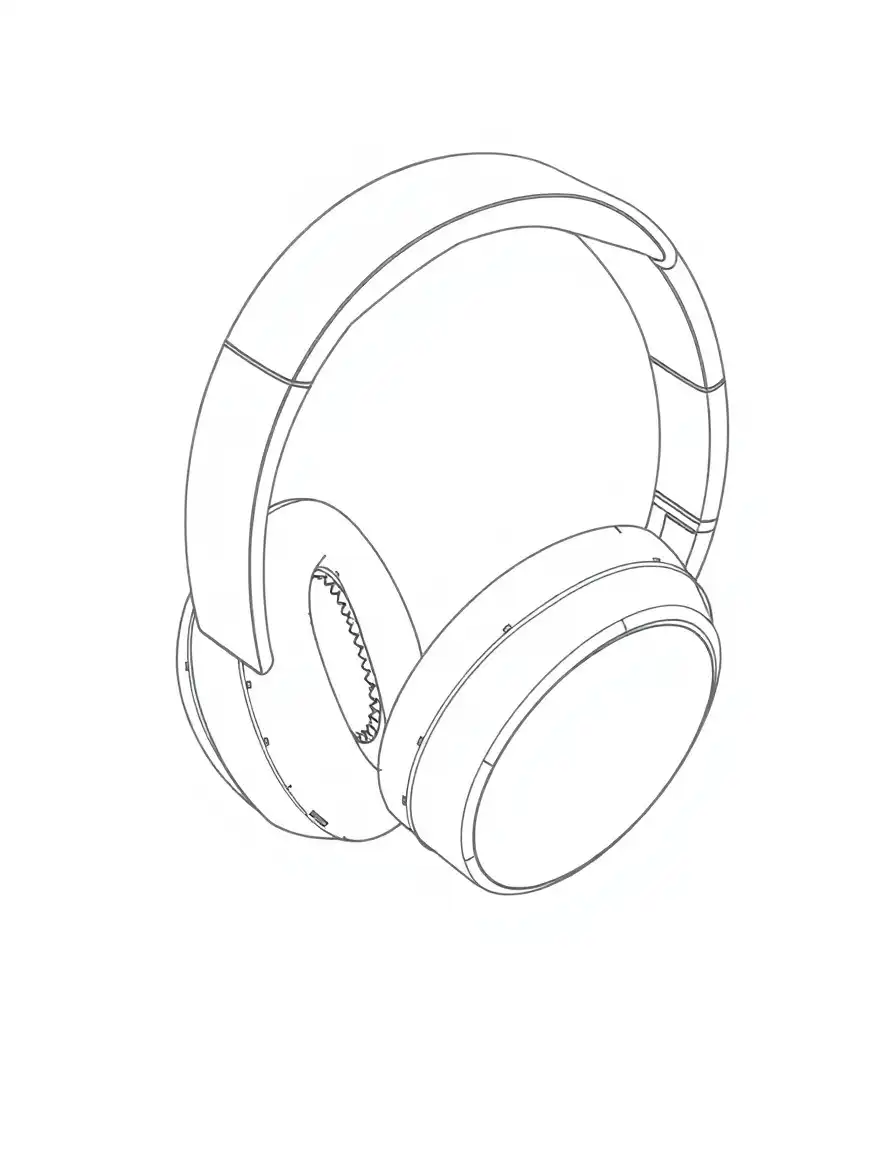 ProductImage prompt
A brand-system prompt that organizes packaging, typography, and tactile materials.
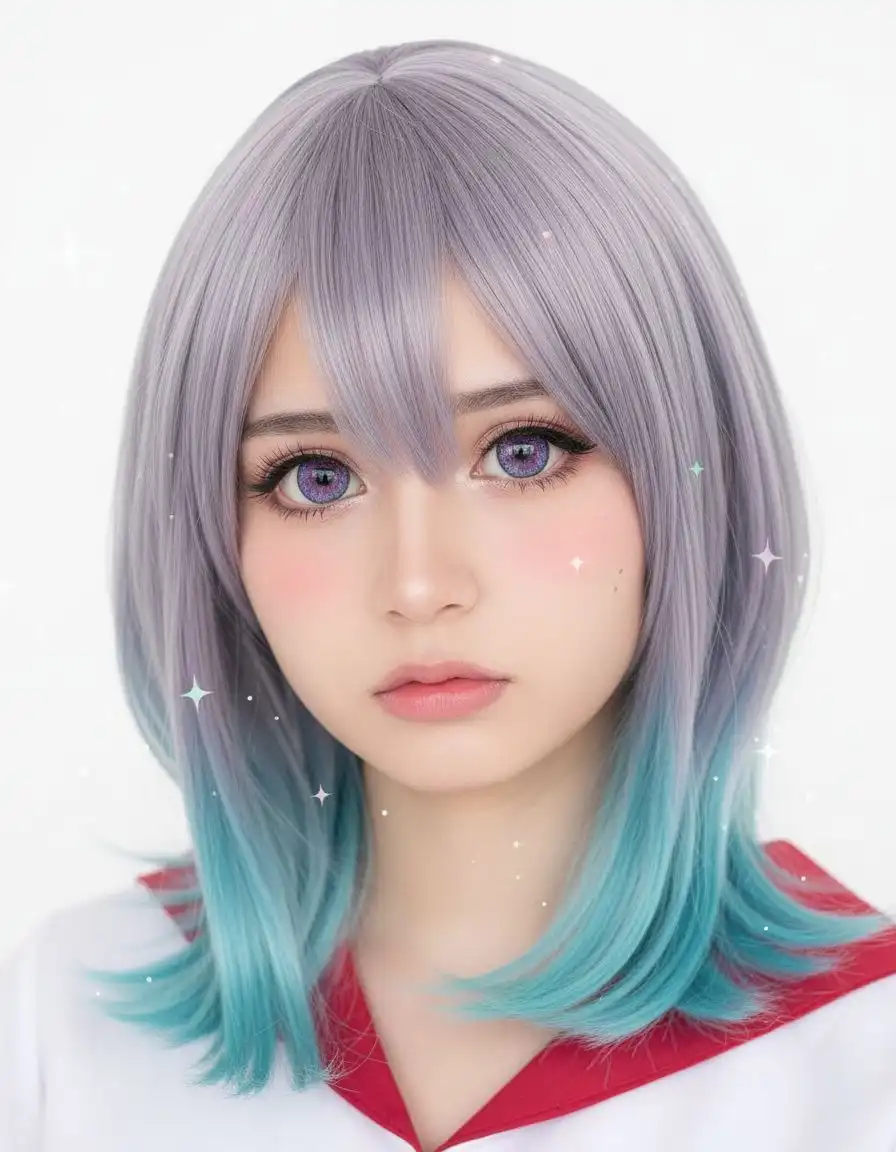 AnimeImage prompt
A transformation prompt that preserves identity while changing medium and lighting.
 ProductImage prompt
A packaging prompt with clear accessory placement, text limits, and shelf-ready lighting.
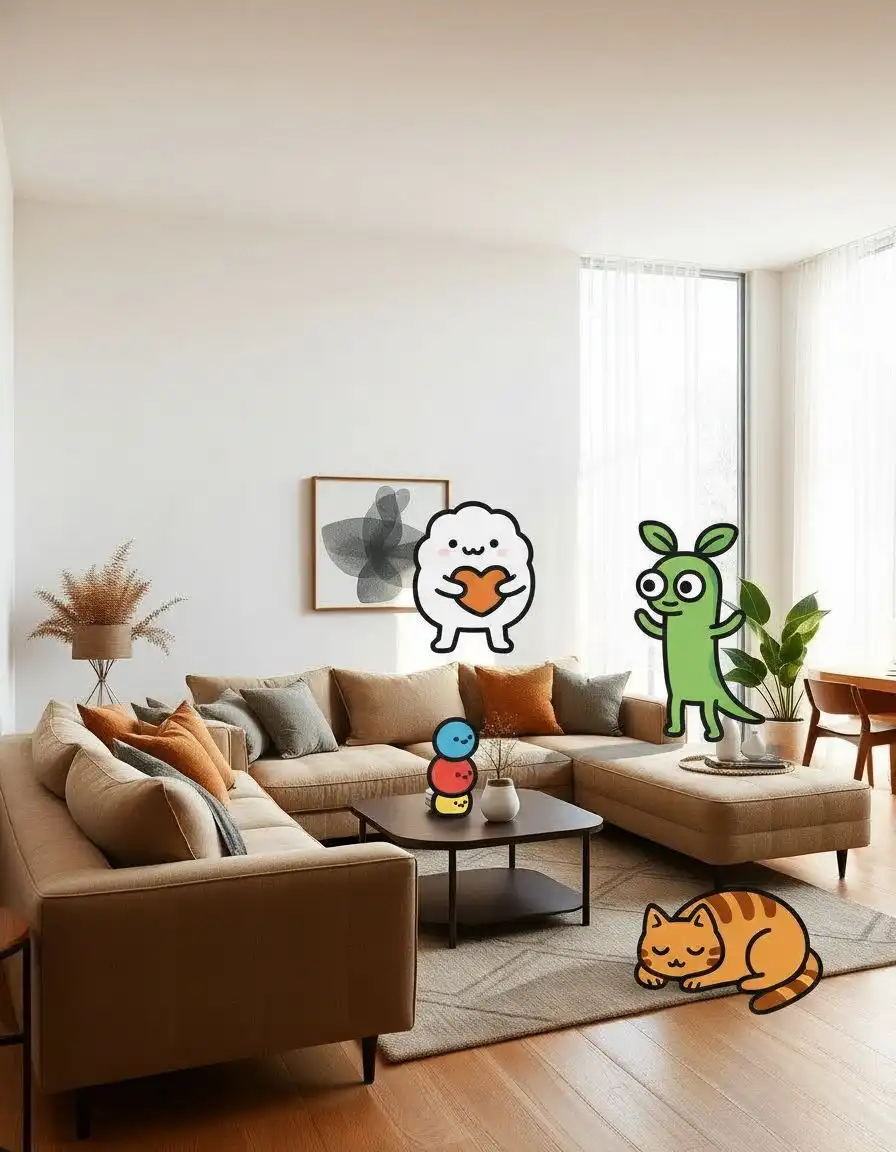 CinematicImage prompt
A surreal environment prompt grounded by scale, camera position, and physical light.
“Make a beautiful product image.”
Name the product, camera angle, background material, light source, reflections, label requirements, negative space, and final format.
Model pages use their researched search phrase and explain only controls or facts that map to a real Clipin model.
Start with the subject and intended composition. Add lighting, palette, material, camera or illustration language, and only the constraints that matter to the final use.
Yes, when the selected model supports useful text rendering. Keep requested wording short, quote it exactly, and state where it belongs in the composition.
Open a recipe and choose Use prompt. The prompt and suggested settings are stored once in session storage, then the clean Image Generator page opens for your review.
Generate, edit, copy, or hand the result to the real Clipin generator.
