
AI Face Swap for Authorized Portrait Concepts
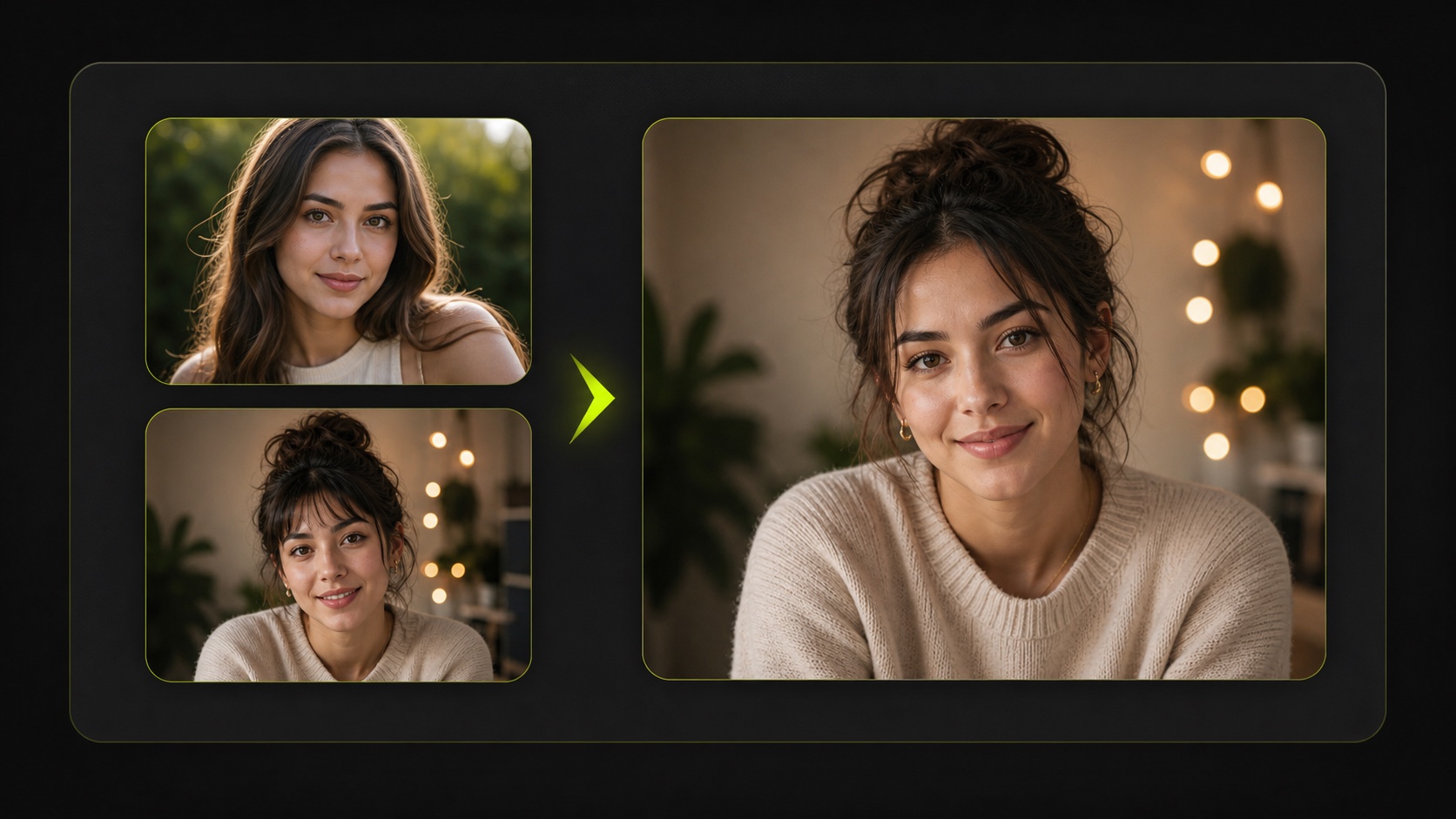
Use the AI face swap only with images you own, control, or have clear permission to edit. Upload one original image and one target face image, spend the current 5-credit task cost, and create an authorized portrait concept for internal review, character exploration, or AI portrait editing workflows.
Practical fit
AI face swap: practical buying guide
Use this page to decide whether AI Face Swap is the right Clipin workflow before you spend more credits, not as a promise that every generation will be final on the first try.
When this page is a good fit
- AI face swap is useful when creating consent-first portrait concepts from images you own or have permission to use.
- Choose AI face swap when you need to check likeness, context, permission, and safety before saving or sharing the result.
- AI face swap is worth credits when you have authorized creative tests where several reviewed variations are useful.
- Use AI face swap output as the result should stay in a review workflow before it becomes a profile, campaign, or story asset.
- Review AI face swap results before scaling a batch.
- AI face swap works best when the source material and prompt are clear.
- Keep AI face swap realistic: do not use it to impersonate people, bypass consent, or create misleading identity content.
- Compare AI face swap variations before buying more credits.
- AI face swap can support paid projects when the result passes your own review.
- Start small with AI face swap, then spend more only after one result proves useful.
- AI face swap should save time without replacing judgment, rights checks, or creative review.
- Use AI face swap inside Clipin when you want a practical asset, not just a demo result.
Related workflows to understand first
face swap AI helps when you need a face swap workflow with explicit permission boundaries.
Use face swap AI as a checkpoint before spending more credits.
swap faces in photos helps when you want to swap faces in photos only when the source and target images are authorized.
Use swap faces in photos as a checkpoint before spending more credits.
AI portrait editing helps when you need portrait editing for reviewed creative concepts, not deception.
Use AI portrait editing as a checkpoint before spending more credits.
How the AI Face Swap Fits a Safer Creative Workflow
the identity-edit page can help explore authorized portrait concepts, but this page should stay under compliance review before public release. The copy, examples, and navigation must make consent and identity boundaries obvious.
Two-Image Face Replacement Flow
The current AI face swap form accepts one original image and one target image. Choose clean, authorized source material when you need an identity concept for controlled review rather than public confusion.
Consent-First Creative Framing
Every face swap AI example should involve people who gave permission, synthetic characters, or brand-owned assets. The page should avoid public-figure bait, minors, private individuals, or deceptive scenarios.
Credit-Aware Task Cost
Each current task uses 5 credits. That makes it a selected concept step for approved campaign visuals, creator mockups, or AI portrait editing, not a bulk identity-generation workflow.
Short Processing Loop
The current task estimate is about 15 seconds, though timing can vary with queue and service conditions. Review the AI face swap output in the task list before using it in any downstream creative work.
No Manual Blend Controls
This page does not expose sliders for alignment, blending, or expression control. Start with clear, well-lit, authorized portraits if you need cleaner AI portrait editing results.
Useful for Character and Presenter Drafts
Responsible teams may use AI face swap to test an approved presenter look, character direction, or campaign draft. Keep outputs labeled as AI-assisted concepts until they are reviewed.
Authorized Social Asset Planning
When all rights are clear, the output can inform thumbnails, profile cards, or internal storyboards. The safer path is to swap faces in photos for planning, then review the asset before publication.
Pairs With Image Tools
Portrait edits often need cleanup after generation. Pair the result with an AI image editor, background remover, or image upscaler only after the usage context is approved.
Clear Prohibited-Use Boundary
Do not use AI face swap to impersonate someone, create non-consensual sexual content, target private people, manipulate news, or imply endorsement. Those limits should be visible before this page is indexed.
Review Before Release
Because identity content is sensitive, this page should remain in compliance review until examples, internal links, FAQ copy, and generated media all reinforce consent-based usage.
Original and Target Image Clarity
The model works better when both images have visible faces, clear lighting, and similar framing. Poor source material can produce weak outputs, so choose references carefully.
Not a Public Release Yet
The page can be rewritten and tested now, but it should not enter the public sitemap until a human compliance review confirms the claims, examples, and visuals are appropriate.
Workflow Copy Over Shock Value
The page should position AI face swap as a careful creative utility, not a trick page. Emphasize approved assets, internal review, and responsible portrait editing.
Transparent Asset Handling
Teams should document where the original and target images came from before using AI face swap results in a campaign, creator package, profile concept, or approved asset board.
Use Only Authorized Images
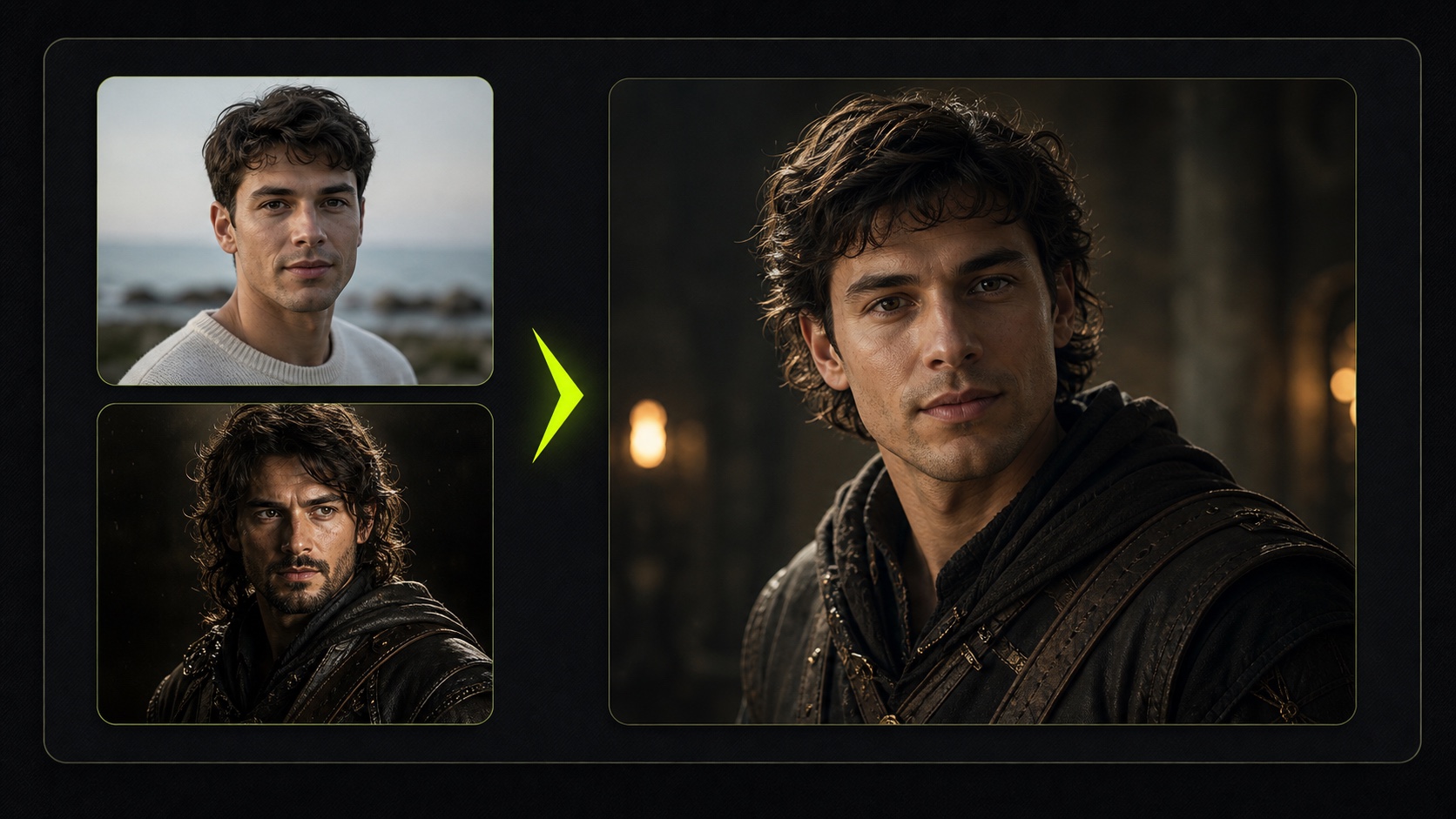
The AI face swap page is meant for consent-based work. Use your own photos, licensed campaign material, or images where every recognizable person has agreed to the edit.
Compare One Original and One Target
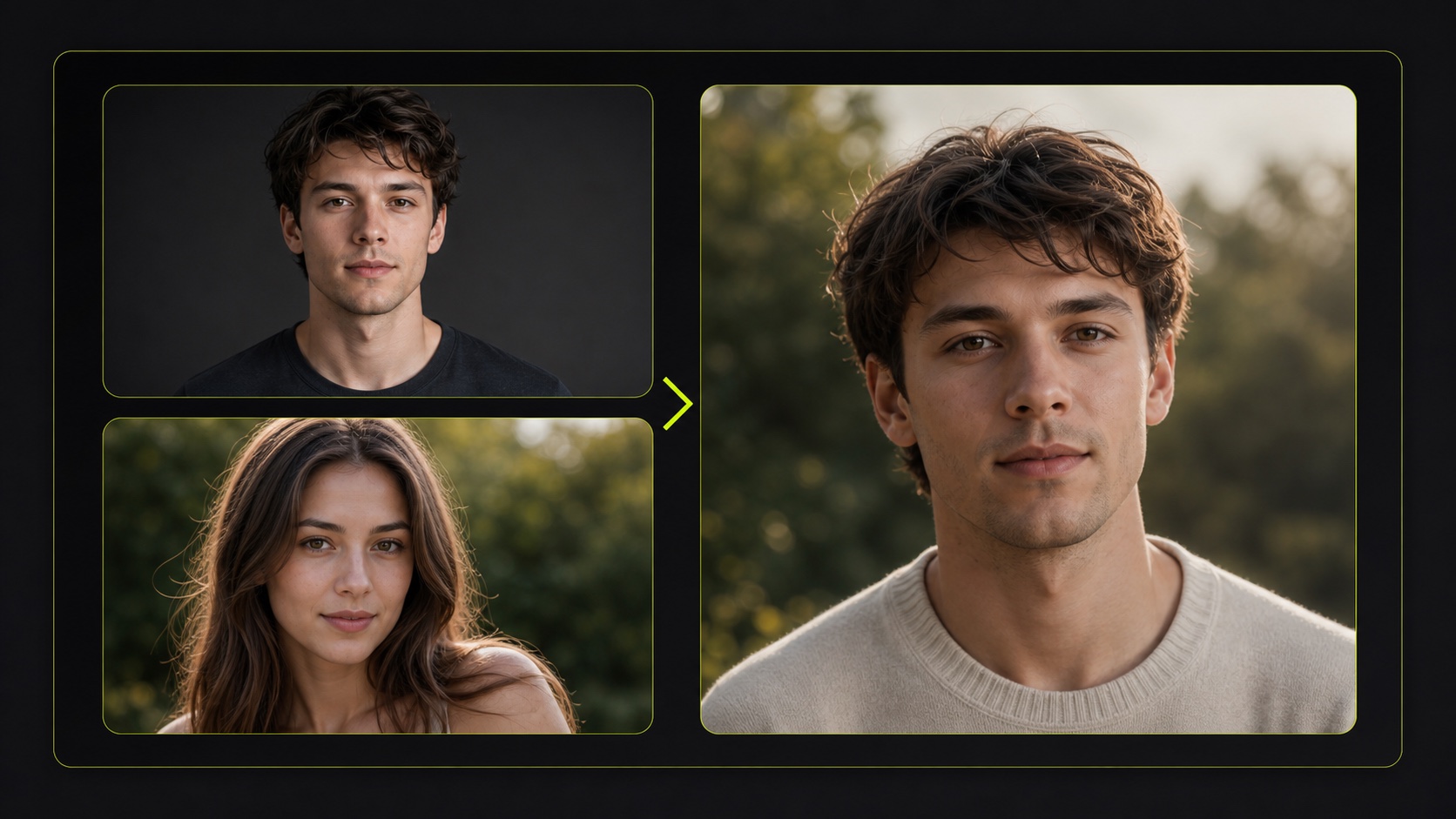
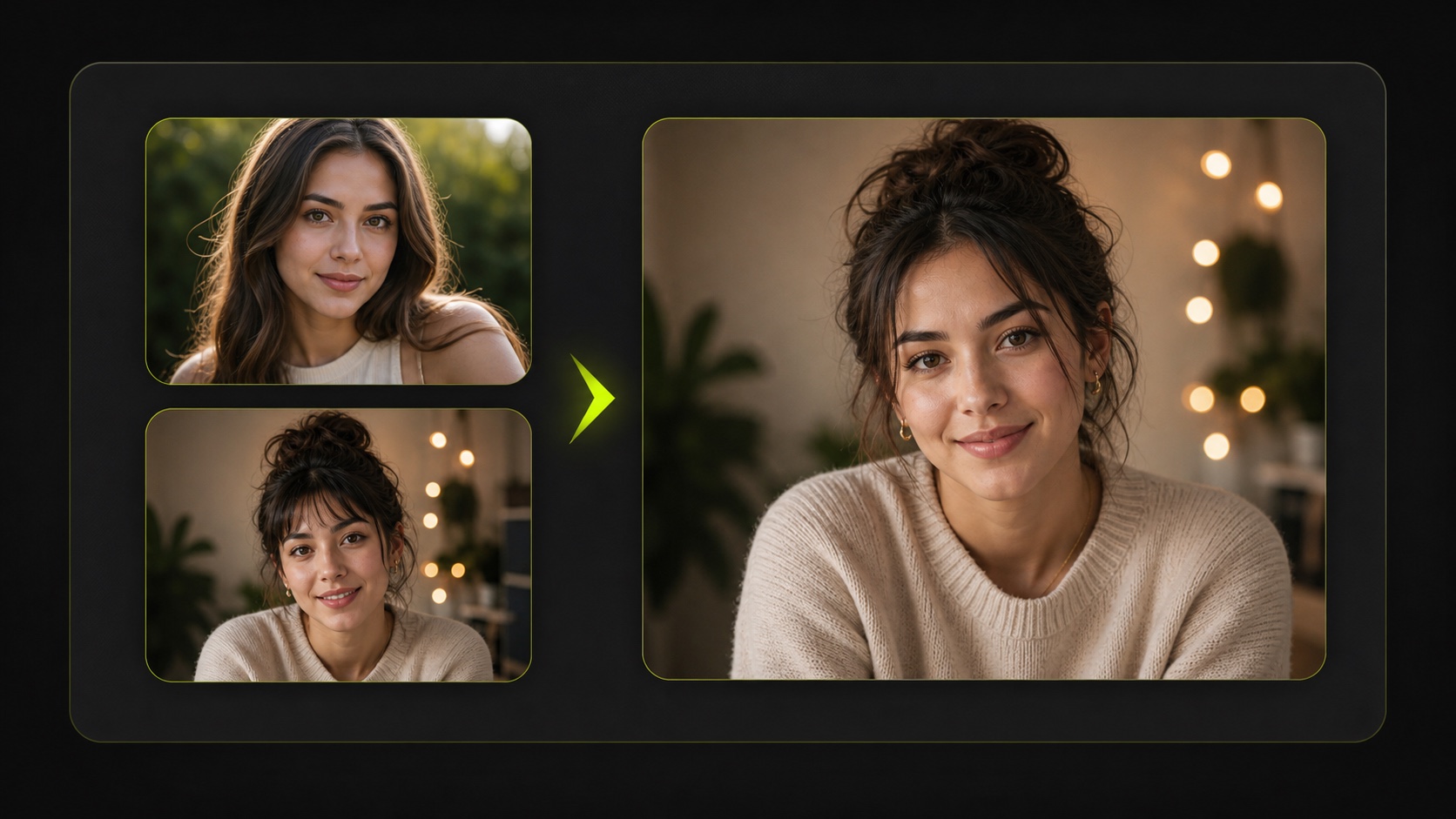
Upload one original image and one target face image. This face swap AI flow stays focused so you can review a single output before deciding whether it belongs in a wider concept.
Keep Output in a Responsible Workflow
Use portrait-edit results for drafts, internal mockups, or authorized creative planning. Do not use face replacement to impersonate people, mislead viewers, or create non-consensual identity content.
AI Face Swap Questions and Usage Boundaries
- the AI face swap is for authorized portrait concept work where you have the right to use both the original image and the target face image.
- Upload one original image and one target image, start the 5-credit task, and review the output when processing finishes. The current page does not include manual alignment or blending controls.
- Only when you have permission or another clear right to use the images. Do not swap faces in photos to impersonate someone, embarrass them, imply endorsement, or create misleading identity content.
- The current task uses 5 credits per run. Use it for selected, approved concepts where the original and target images are appropriate for editing.
- Consent-based portrait editing, synthetic character tests, authorized creator concepts, internal storyboards, and brand-owned visual experiments are safer use cases for this page.
- Avoid non-consensual identity edits, sexualized face replacement, celebrity or public-figure manipulation, private-person targeting, political deception, harassment, or misleading publication.
- The current task estimate is about 15 seconds, but real timing can vary with queue and service conditions. Review the result carefully before using it anywhere else.
- Not yet. The draft should remain in compliance review until visuals, examples, internal links, and policy language are reviewed together.
- After approval, the output can pair with the image editor, background remover, and image upscaler for authorized creative workflows.
- Identity editing can affect real people. This page needs stronger consent language, narrower use cases, and reviewed media before it becomes a public SEO page.
Related Clipin tools
Continue from this tool into the adjacent generator, editor, or pricing page.