 ArchitectureVideo prompt
 Creative recipe
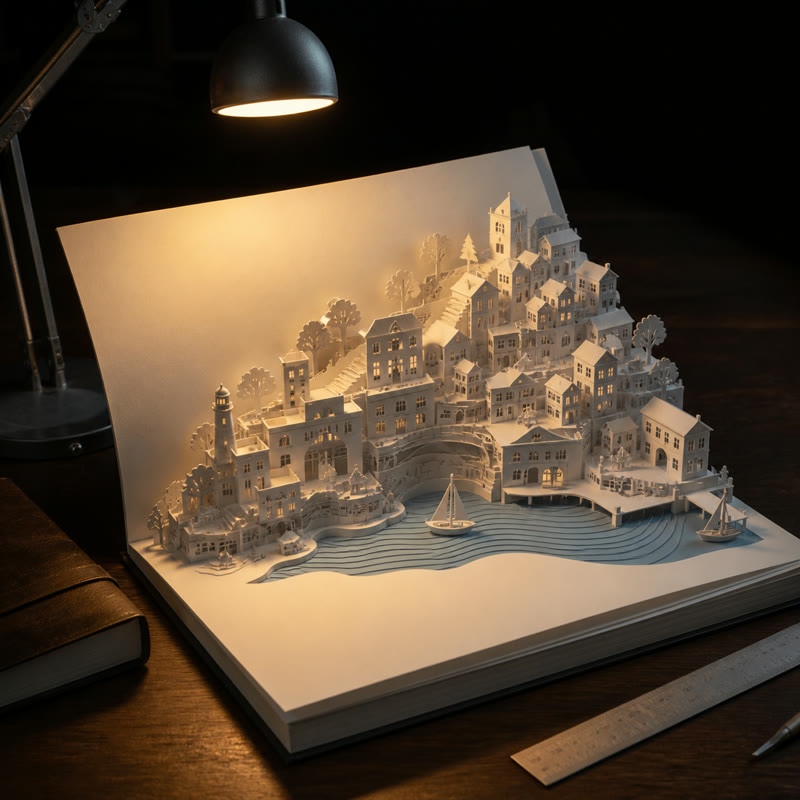
Paper coastal city
An architectural reveal with tactile paper craft and one readable motion sequence.
Suggested: Kling V3 OmniArchitecture

The wan 2.2 prompting guide guide uses verified provider naming and no unrelated model logo.
Use this Wan 2.2 prompting guide to write clear motion, camera, setting, and style directions for fast AI video drafts in Clipin. This wan 2.2 prompting guide collection uses original Clipin wording and sends every selected recipe to a review step before generation.
Keep one dominant idea so every wan 2.2 prompting guide phrase controls a visible or audible decision.
Choose the intended outcome first, then open a wan 2.2 prompting guide example to inspect its complete structure.
ArchitectureVideo promptAn architectural reveal with tactile paper craft and one readable motion sequence.
 CinematicVideo prompt
A character-centered scene with one clear action, atmosphere, and camera direction.
A luxury-product direction with small, controlled movements and readable detail.
A vertical character direction with wind, depth, and one cinematic beat.
A wide environmental story direction with depth and readable scale.
A product-launch direction combining rotation, material detail, and contrast.
Use these facts to keep each wan 2.2 prompting guide accurate and product-aligned.
Official documentation and Clipin's live registry guide every wan 2.2 prompting guide. Examples use original editorial wording rather than copied commercial prompts.
A useful wan 2.2 prompting guide example starts with a concrete subject and composition, then adds the visible action, location, camera movement, light, style decisions that matter to the result.
Yes. Clipin exposes Wan 2.2 T2V Fast; each recipe opens the matching generator for review without auto-submitting.
No. Prompts are starting directions, not deterministic promises. Reference media, provider updates, aspect ratio, and other controls can change the output.