
AI Baby Generator From Two Parent Photos
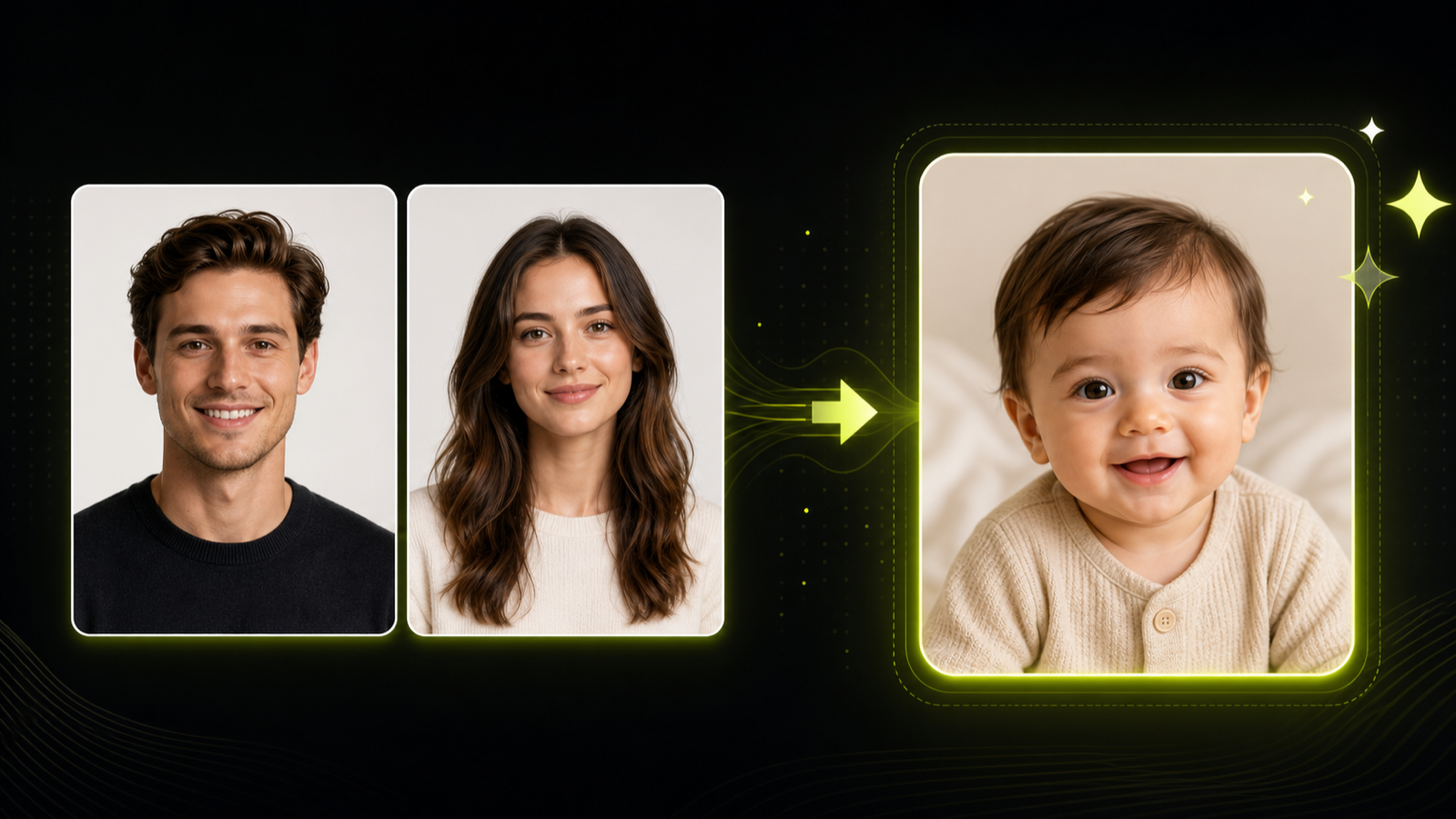
Use the AI baby generator to upload one man's photo and one woman's photo, choose boy or girl, and create an AI baby photo concept. The result is a fictional generated image for entertainment and private review, not a real-world prediction.
Practical fit
AI baby generator: practical buying guide
Use this page to decide whether AI Baby Generator is the right Clipin workflow before you spend more credits, not as a promise that every generation will be final on the first try.
When this page is a good fit
- AI baby generator is useful when creating fictional family-photo concepts from consenting adult source images.
- Choose AI baby generator when you need to confirm the output is framed as playful generated concept art, not a prediction.
- AI baby generator is worth credits when you want several fictional baby photo options for entertainment or private sharing.
- Use AI baby generator output as the generated image can stay as a reviewed still concept or move into personal image workflows.
- Review AI baby generator results before scaling a batch.
- AI baby generator works best when the source material and prompt are clear.
- Keep AI baby generator realistic: the result is not a real-world prediction, genetic estimate, or health assessment.
- Compare AI baby generator variations before buying more credits.
- AI baby generator can support paid projects when the result passes your own review.
- Start small with AI baby generator, then spend more only after one result proves useful.
- AI baby generator should save time without replacing judgment, rights checks, or creative review.
- Use AI baby generator inside Clipin when you want a practical asset, not just a demo result.
Related workflows to understand first
baby face generator helps when you want a playful baby face concept from permitted photos.
Use baby face generator as a checkpoint before spending more credits.
AI baby photo helps when you need an AI baby photo framed as fiction and entertainment.
Use AI baby photo as a checkpoint before spending more credits.
family photo concept helps when you are creating a family photo concept without claiming accuracy.
Use family photo concept as a checkpoint before spending more credits.
How the AI Baby Generator Works
The AI baby generator is a focused two-photo workflow: upload a man's image, upload a woman's image, choose the baby's gender, and generate a fictional baby portrait concept for private or creative use.
Two Adult Photo Inputs
The form asks for Man's image and Woman's image. Use clear front-facing adult portraits, because the AI baby generator is designed around two parent-style references rather than a text-only prompt.
Boy or Girl Selection
The gender selector lets you guide whether the generated result is a boy concept or a girl concept. It controls image direction, not real-world identity or biology.
Generated Baby Portrait Result
The output is a generated baby portrait based on the uploaded adult photos. It can be used as a private visual idea, a playful portrait draft, or a fictional family-style concept.
No Real Prediction Claims
The AI baby generator does not predict a future child, genetics, health, ancestry, eye color, or verified resemblance. The generated baby portrait should stay clearly framed as fictional.
Consent-First Photo Use
Only upload adult photos that you own or have permission to use. Avoid private portraits without consent, public figures, child photos, or identity-sensitive images.
Private Review Before Sharing
Review the generated baby portrait before sharing it. If you post the image, describe it as generated content and avoid attaching it to real personal identity.
Useful Still-Image Follow-Up
The result can be refined with image upscaling, background cleanup, or image editing when the generated portrait needs sharper detail or a cleaner layout.
Creative Draft, Not Final Truth
Generated faces can vary between runs. Use the portrait concept as a creative draft, not as factual evidence of what a real child would look like.
Simple One-Task Workflow
The AI baby generator keeps the process short: upload two photos, select boy or girl, run the task, and review the generated result in the sample panel.
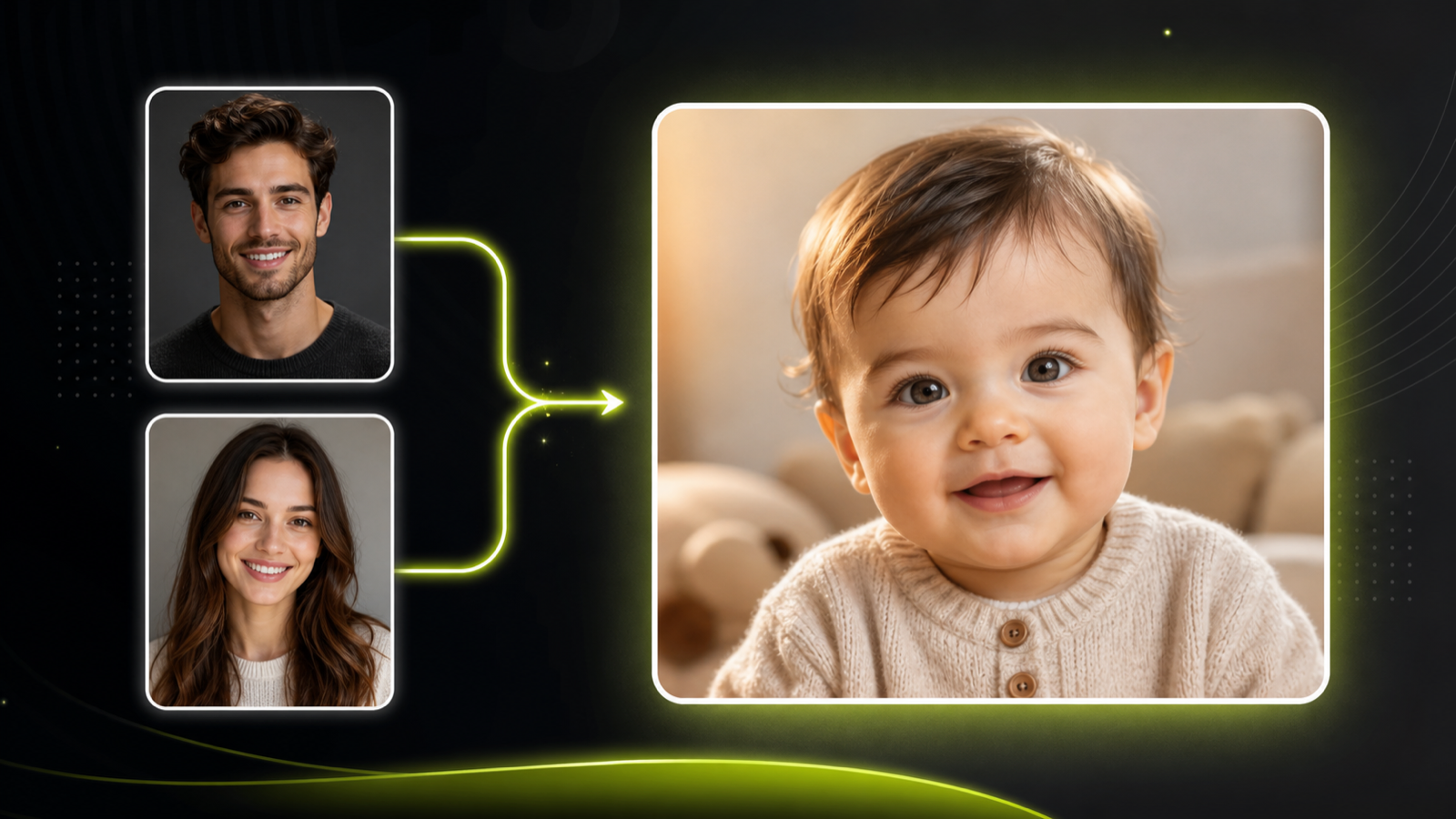
Upload Two Authorized Adult Photos
Start with one clear man's image and one clear woman's image. The AI baby generator needs both adult photos before it can create a baby face generator result, and both images should be yours or used with consent.
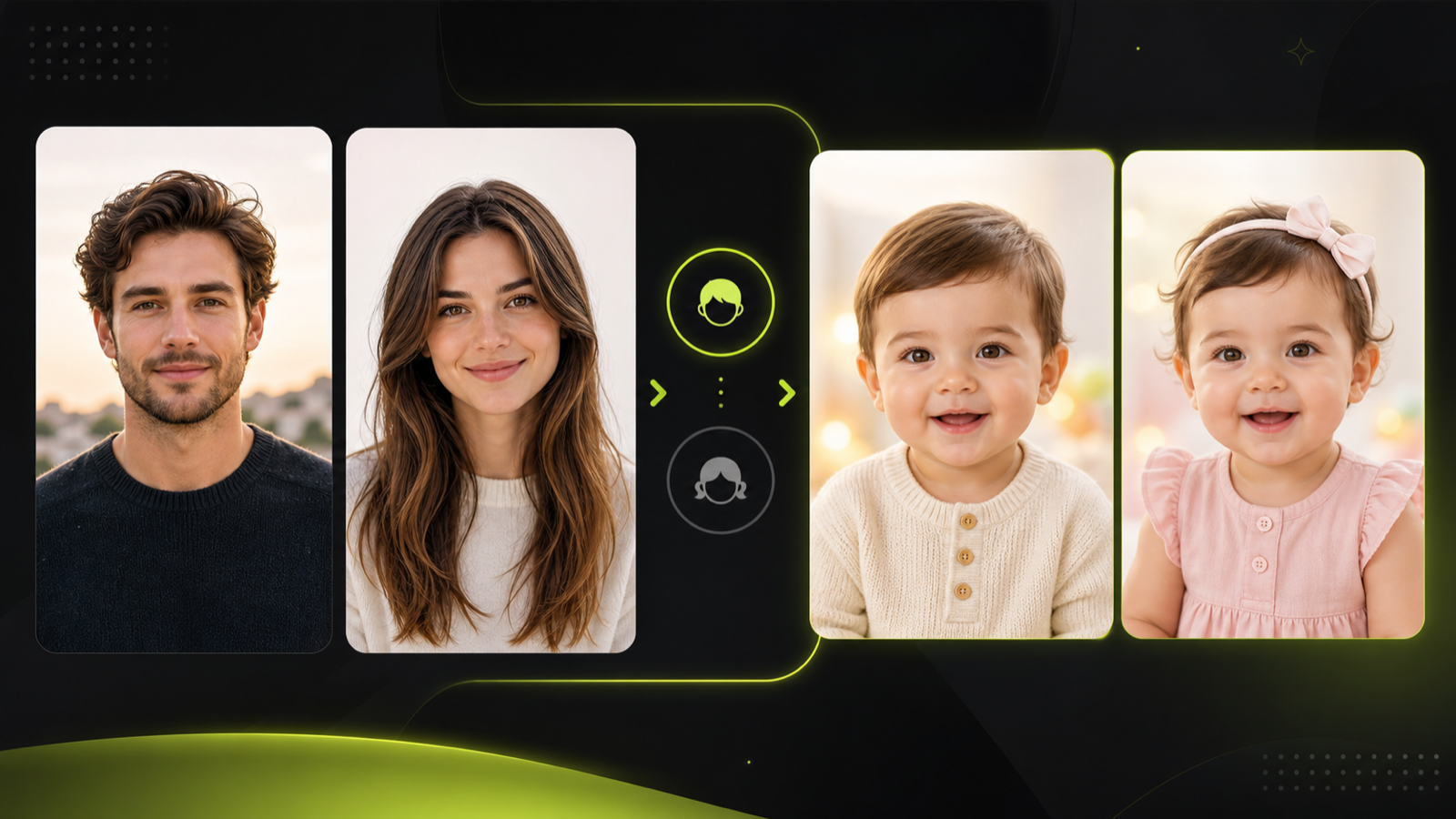
Choose Boy or Girl
After the two photos are added, select boy or girl in the form. The output is a generated visual concept, so use the selection as creative direction rather than a biological claim.
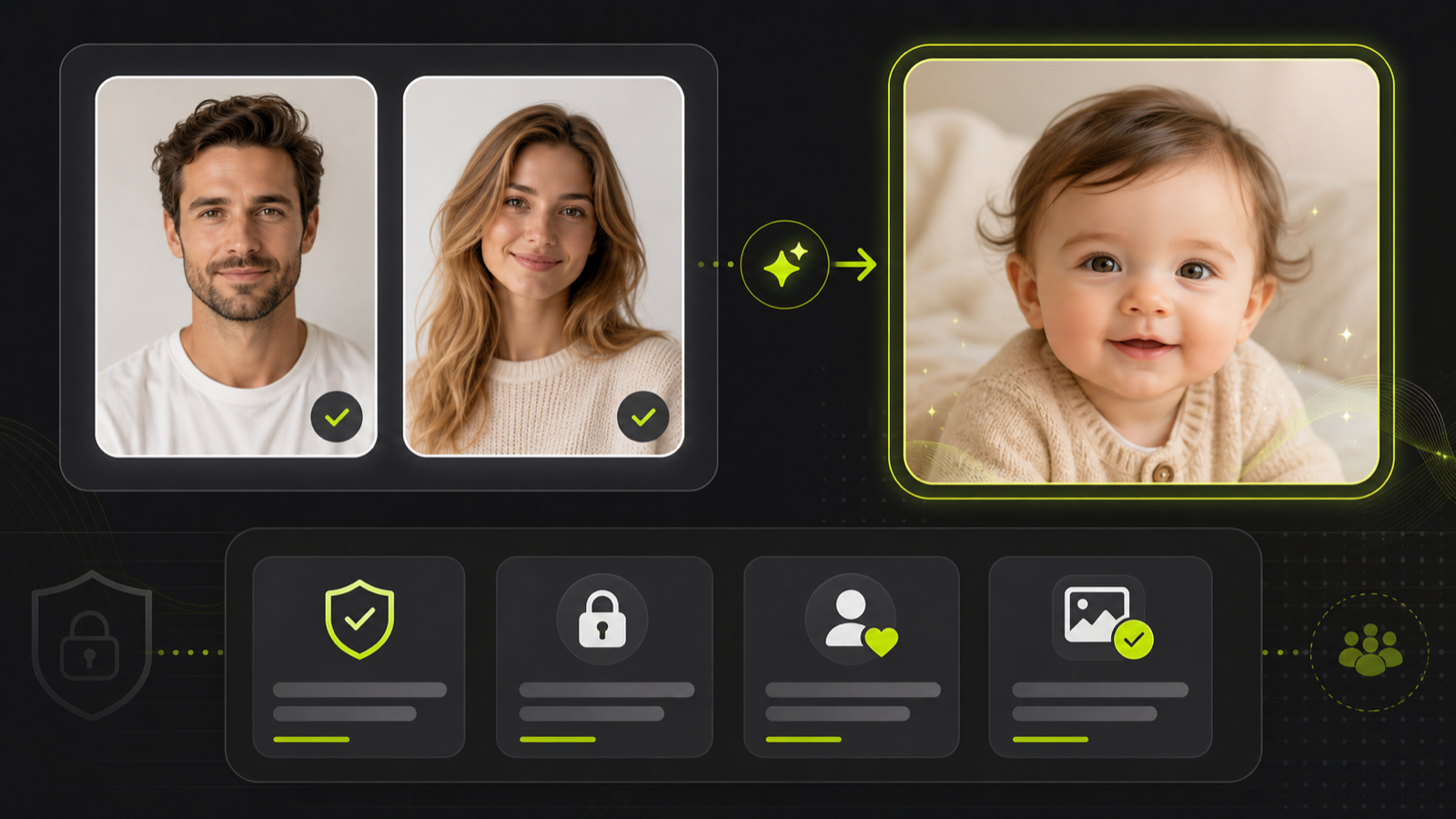
Review the Result Responsibly
Treat each family photo concept as generated concept art. Do not present the output as a real child, a verified resemblance, or a medical, genetic, or identity prediction.
AI Baby Photo FAQ
- The AI baby generator is a creative tool that uses one man's photo and one woman's photo to generate a fictional baby portrait concept. It is not a medical, biological, or family-planning tool.
- Upload one clear adult man's image and one clear adult woman's image. The tool works from those two authorized references, then uses the boy or girl selection to guide the result.
- No. The AI baby generator cannot show a real future child, health traits, or verified family resemblance. It can only create a fictional generated portrait concept.
- The option guides the generated portrait style toward a boy concept or girl concept. It should be treated as creative direction, not as a real prediction.
- Use the generated portrait as fictional concept art for private review, playful family-style exploration, invitation ideas, or a soft creative layout.
- No. Any generated portrait should be treated as generated content. Do not present it as a real child, verified resemblance, factual identity, or biological result.
- Describe the result as a fictional generated baby portrait or creative concept. Do not present it as a real child, a prediction, or proof of resemblance.
- A generated portrait can move into the image editor for prompt cleanup, the image upscaler for sharper detail, or the background remover for layout work.
- The page targets AI baby generator as the main term, with supporting phrases such as baby face generator, AI baby photo, and family photo concept inside a cautious creative-use frame.
- No. The copy avoids realism and biological accuracy claims. Results are generated image concepts and should be reviewed as fictional creative material.
Related Clipin tools
Continue from this tool into the adjacent generator, editor, or pricing page.